Choose the right report
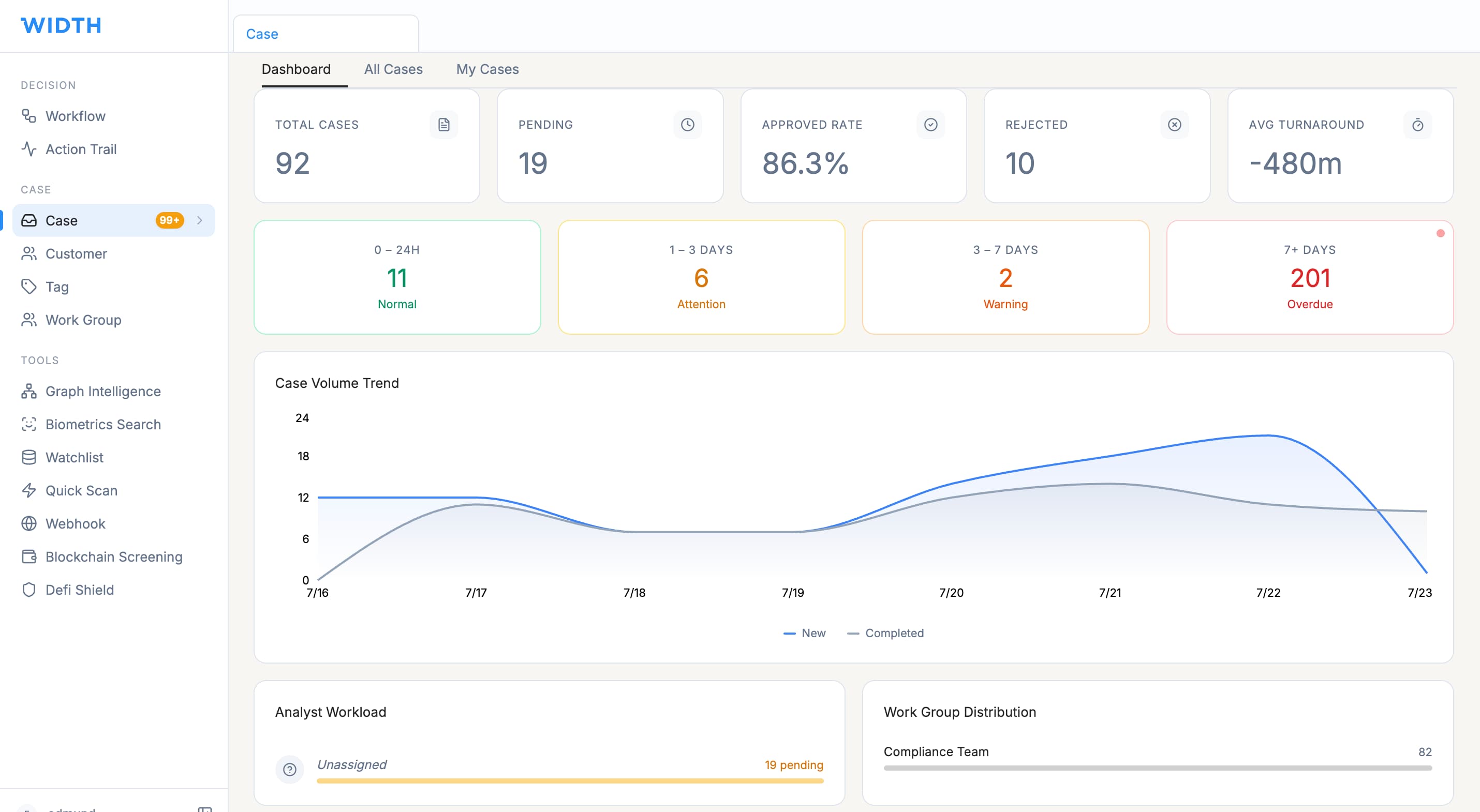
Case Report shows total, pending and completed cases, average processing time, trends, status and geographic distribution. Workflow Report shows executions, success and failure rates, duration and failure analysis.
Verification Report highlights pass, failure and pending rates by verification node. Team Report shows claim time, processing time, active analysts, workload and Work Group comparisons. Decision Report explains APPROVE, REJECT and REVIEW distribution. Event Volume shows event execution health.
Review report data
- Select Reports in the sidebar and choose the required report.
- Set the time range first.
- Apply domain, event, workflow or Work Group filters where available.
- Review KPI cards before opening the supporting charts or tables.
- Compare the selected period and scope consistently before drawing conclusions.
Use reports to find operational issues
A rising pending-case count may indicate queue or staffing pressure. A long average claim time may show assignment delays. A high verification failure rate may identify one check or input causing friction. A high REVIEW share may indicate cautious rule thresholds or genuinely higher-risk traffic.
Use the underlying case, workflow or node data before changing controls. A dashboard pattern is a signal to investigate, not a complete diagnosis.
Review the Audit Log
Open Admin Console and select Audit Log. Filter by Event Type when investigating a specific action. Review the timestamp, user, event and IP address for significant activity such as login, role changes and workflow creation.
Use the Audit Log to confirm who performed an action and when. Investigate unexpected access times, unfamiliar IP addresses or administrative changes under your organisation’s security process.
Expected result
You can identify operational trends through Reports and trace significant actions through Audit Log without relying on screenshots or personal records. Access depends on your assigned reporting and administration permissions.
WIDTH reference material
Based on WIDTH One Platform User Guide v2.0, dated 12 April 2026
Interface labels and available actions may vary by role, configuration and platform version. Contact your WIDTH administrator or support representative if an option shown here is unavailable.